


.jpg)
.jpg)
.jpg)

.jpg)
.jpg)



.jpg)
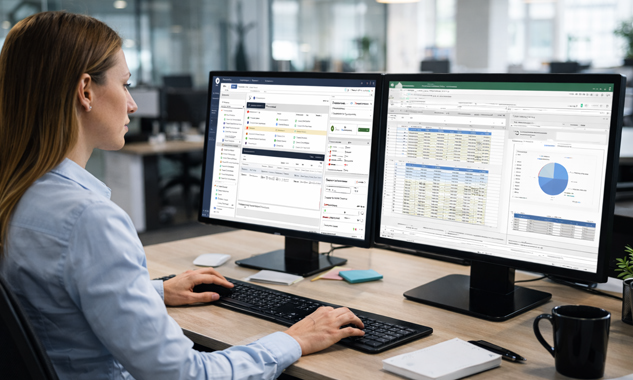
Maximize Productivity and Governance for SAP Automation
Precisely Automate Studio Manager acts as a control layer for SAP automation by consolidating license oversight, user access, content governance, and execution management within a single administrative framework.
License & User Management
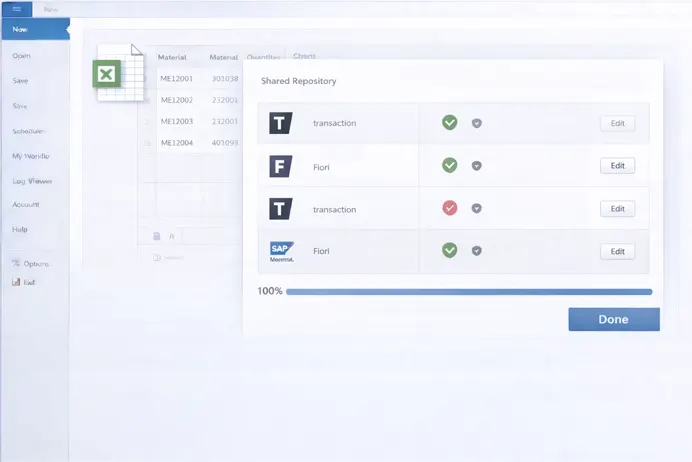
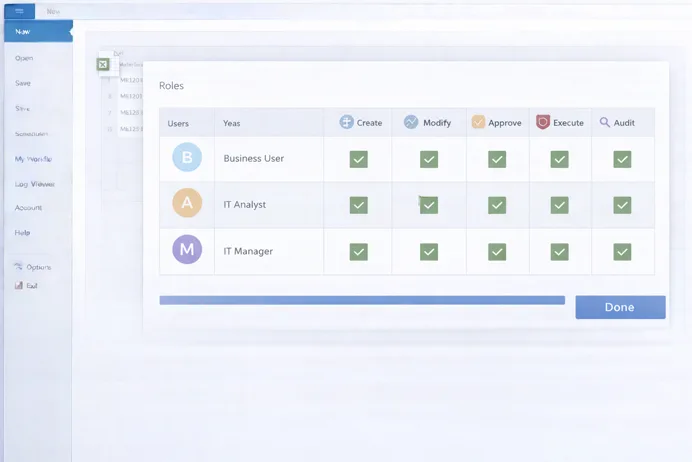
Licenses and users are administered centrally, with role definitions applied to control who can design, execute, or manage automation assets across environments.
Server-Based Job Execution
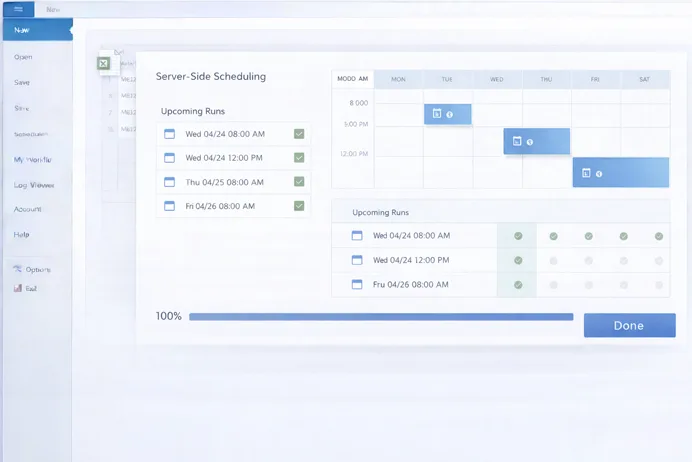
Automation runs are executed from managed servers rather than individual machines, improving execution stability while enabling consistent scheduling and workload handling.
Audit & Compliance
Execution activity, system actions, and data handling events are captured as structured records to support audit reviews and compliance verification.
How Precisely Automate Studio Manager Works
The platform governs automation workflows through centralized policies, role controls, server execution, and real-time visibility across SAP processes.


Accelerate Accounts Payable with Measurable Results
45%
Improvement in automation governance efficiency through centralized license, policy, and role management.
60%
Reduction in manual SAP job execution effort through centralized scheduling and server-side automation.
100%
Visibility into script usage, execution history, and data exchanges for audit and compliance reporting.
45%
Improvement in automation governance efficiency through centralized license, policy, and role management.
60%
Reduction in manual SAP job execution effort through centralized scheduling and server-side automation.
100%
Visibility into script usage, execution history, and data exchanges for audit and compliance reporting.
Establish centralized control, reduce operational risk, and scale SAP automation with Precisely Automate Studio Manager.
Key Benefits of Precisely Automate Studio Manager
Automate Studio Manager strengthens SAP automation programs by combining execution control, governance, and visibility in a single platform.

Increased Productivity
Server-based execution and centralized management reduce manual coordination and eliminate delays caused by desktop-dependent automation runs.

Enhanced Security & Compliance
Role-based access, execution constraints, and traceable records establish controlled automation operations aligned with regulatory requirements.

Cost Optimization
Efficient license allocation and reduced desktop dependency lower infrastructure overhead and improve automation return on investment.

Improved Collaboration
Shared automation assets and approval workflows enable consistent process execution across teams while maintaining governance.

Scalability
The server-based architecture supports growing automation volumes across departments, regions, and complex SAP landscapes.

Enterprise-Grade Oversight
Centralized reporting and execution visibility provide IT and process owners with full control over automation activity.
Frequently asked questions
What tasks can Automate Studio Manager govern? +
It governs license usage, user access, automation content, execution policies, scheduling, reporting, and audit logging across Automate Studio deployments.
Can jobs run without tying up local PCs? +
Yes. Jobs are executed directly from the server, removing dependency on individual desktops and improving execution reliability.
Does it integrate with all Automate Studio modules? +
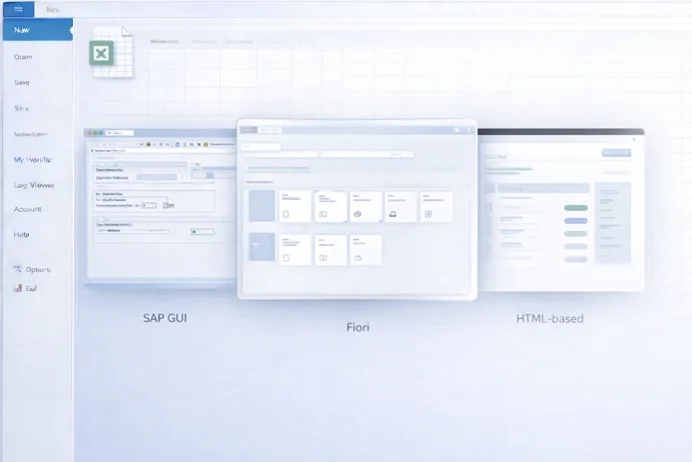
Precisely Automate Studio Manager works with Automate Studio solutions across SAP GUI, Fiori, and HTML-based SAP interfaces.
How are compliance and audits supported? +
The platform logs execution history, user actions, policy outcomes, and data exchanges to support internal and regulatory audits.
Can it scale across large enterprises? +
Yes. Its server-based architecture and centralized governance model support enterprise-wide SAP automation at scale.
Enterprise Control for SAP Automation
Gain enterprise-wide visibility and control over SAP automation using Precisely Automate Studio Manager.